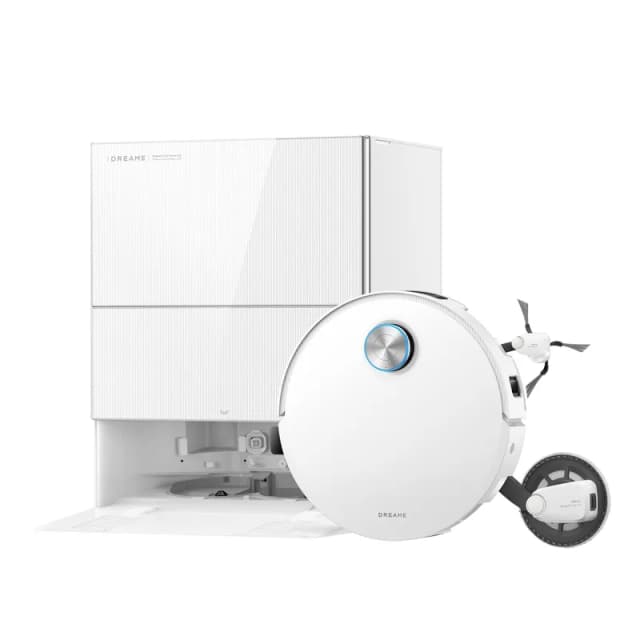
Dreame problems: common faults, fixes and maintenance
A Dreame that breaks down is almost never faulty: in the vast majority of cases, it is overdue maintenance showing itself. Here are the most reported faults, their real cause, and how to settle them without calling support.
The most common faults
Tangled brush
Cause. Long hair and pet hair gradually wrap around the main brush's axle, until they block its rotation or stall the motor.
Fix. Remove the brush cover, take the brush out of its housing, and cut the wrapped fibres with the detangling comb supplied in the box — most recent models (HyperStream DuoBrush) are designed to limit this, but no brush eliminates it entirely. Then rinse the brush with clean water and let it dry completely before refitting.
The robot gets lost or cannot find its base
Cause. The navigation map is corrupted after a major furniture move, or access to the station is physically blocked.
Fix. Clear at least 1.5 metres in front of the station, at the sides as well as the front. Run a full remapping from the app rather than letting the robot correct an already wrong map. If the problem keeps coming back, delete the existing map and let the robot remap the whole home in a single pass, with internal doors open.
The station does not empty the dust bin
Cause. The emptying duct is blocked by an oversized piece of debris, or the robot's bin is not properly engaged against the station.
Fix. First check that the robot is properly aligned and in contact with the station's emptying pistons. If the problem persists, unplug the station, remove the bag or receptacle, and inspect the duct with a torch: a single stuck piece of debris (a hair plug, a large fragment) is enough to block the whole cycle.
The mop smells bad
Cause. A damp mop left in contact with dirty water, without enough drying, grows bacteria within a few hours.
Fix. Check that the station's hot-air drying cycle does trigger after each wash — some models let you extend its duration in the app. In addition, take the mops out and let them dry flat in the open air rather than folded in the collection tray, especially in damp weather.
Never let a dirty mop wring out and dry folded on itself in the collection tray for several days: that is the number one cause of persistent smells, and eventually of stains that never come out.
The robot gets stuck on a threshold
Cause. The climbing height quoted by the manufacturer is a maximum in ideal conditions; a thick carpet just before the threshold, or an unfavourable approach angle, is enough to stall a robot otherwise capable of clearing that height.
Fix. Bring the robot up to the threshold squarely, not at an angle, placing it by hand once if needed so the map records the right crossing point. If it always gets stuck, compare the real height of the threshold (with a tape measure) to the climbing figure quoted for your model: above that, no setting will get it across — only a small ramp will solve the problem.
Sensor error
Cause. Nine times out of ten, a distance sensor or a navigation camera simply covered in dust triggers a false alert.
Fix. Wipe all visible sensors with a dry microfibre cloth, no alcohol-based products. If the error persists after cleaning on several consecutive days, it is probably a failing sensor to report to support rather than a maintenance problem.
The maintenance schedule
| Item | Frequency | Action |
|---|---|---|
| Main brush | Every week | Remove, comb out, rinse |
| Sensors and camera | Every month | Wipe with a dry microfibre cloth |
| Filter | Every month | Tap, wash if compatible, otherwise replace |
| Station bag | Every 2 months | Check the level, replace before saturation |
| Mops | Every 3 months | Replace (beyond that, wear damages the floor) |
| Station: descaling | Every 6 months | Cycle with descaler or diluted white vinegar, then rinse |
Step by step
Here is the full maintenance routine, in the order in which it is most effective to carry it out:
- Clean the main brush. Remove the cover, take the brush out, cut away the wrapped hair with the supplied comb, rinse with clean water and let it dry for 24 hours before refitting.
- Rinse and dry the mops. Take them off their holder, rinse until the water runs clear, then let them dry flat in the open air.
- Dust off the filter. Tap it over a bin. Only wash it if it is explicitly described as washable, otherwise replace it as soon as it stays grey after tapping.
- Clean the sensors and the camera. Dry microfibre cloth only, never alcohol-based or abrasive products.
- Empty the dust bin or watch the bag. Never leave a full bin engaged on the station: it blocks the next emptying cycle.
- Descale the station. Compatible descaler or diluted white vinegar in the clean water tank, an empty washing cycle, then a full rinse with clean water.
- Wipe the charging contacts. The pads on the robot and the station, dry: a dirty contact is the leading cause of charging failures.
Never use pure white vinegar or undiluted descaler in the tank: the concentration recommended by manufacturers is around one volume of vinegar to three or four volumes of water. Too concentrated a solution damages the station's seals and internal ducts — damage that is generally not covered by the warranty.
Maintenance kept to this rhythm avoids virtually every fault that ends up with support. The rest — bag, filter, mops — is a matter of consumables to renew, not a fault as such.
→ Dreame accessories and consumables: what to replace, and when → Our ranking of the best Dreame robots → How we assess Dreame robots
Frequently asked questions
Why can my Dreame no longer find its charging base?
Most often because the navigation map is corrupted or the station has been moved. First check that nothing blocks the metre and a half in front of the station, then run a full remapping from the app. If the problem persists, reset the map and let the robot remap the home in one go, with internal doors open.
Why does my Dreame’s mop smell bad?
The smell comes from a damp mop left in contact with dirty water without air drying. If your station has hot-air drying, check that it triggers after every cycle. Otherwise, take the mops out and dry them flat after each use rather than leaving them in the collection tray.
Should a recurring sensor error worry you?
Not immediately. Nine times out of ten, a sensor error comes from a sensor simply clogged with dust: a wipe with a dry microfibre cloth is enough. It is only a cause for concern if the error returns several days running despite regular cleaning — that is the sign of a failing sensor to be checked under warranty.
The best picks right now
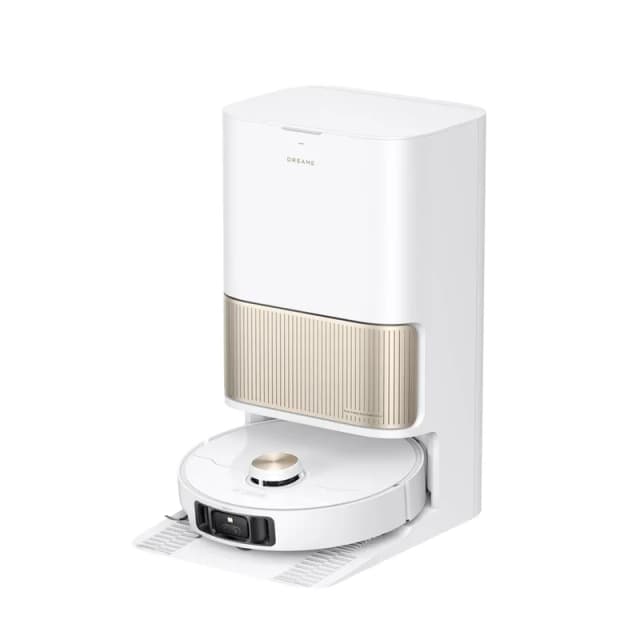
Dreame L40s Pro Ultra
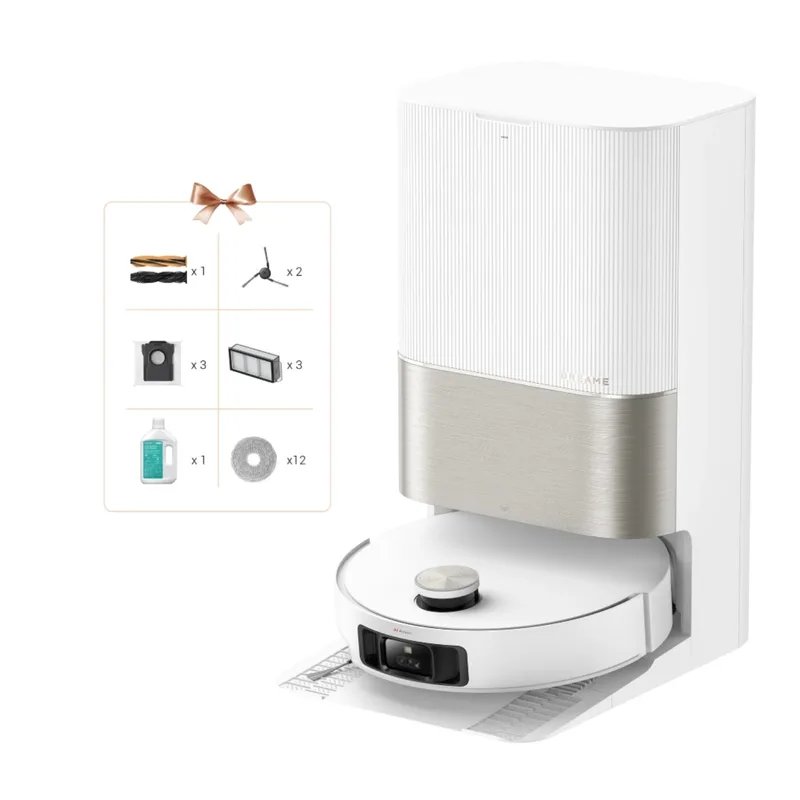
Dreame X50 Ultra Complete